AI Recruiting Software: A Practical Guide for Hiring Teams
The best AI recruiting software reduces repetitive work without turning hiring into an opaque score. Look for useful job setup, explainable candidate signals, structured collaboration, and a clear human decision point.
What AI recruiting software actually helps with
Recruiting teams usually need help with a chain of small decisions: turning a role brief into a clear job description, organizing applications, comparing evidence against a rubric, and keeping candidates moving. AI is most valuable when it summarizes and structures that work so a recruiter can spend more time on judgment and communication.
A useful platform should make the source of a recommendation visible. A score without the resume evidence, assessment answer, or rubric criterion behind it is not enough to make a responsible hiring decision.
- Role intake, job description drafting, and consistent evaluation criteria.
- Resume parsing, candidate summaries, and evidence-linked fit signals.
- Structured assessments, pipeline actions, reminders, and collaboration.
- Analytics that show where candidates stall and which sources perform.
How to evaluate an AI hiring platform
Start with one repeatable role rather than buying for every edge case. Measure how long it takes to create the role, review the first group of candidates, send a useful follow-up, and explain a decision to another interviewer.
Ask vendors how they handle incomplete resumes, unusual career paths, accommodations, candidate privacy, and incorrect AI output. A trustworthy product makes correction easy and does not pretend that automation removes bias by itself.
- Can the team edit the job rubric before applications arrive?
- Can reviewers see why a candidate signal was produced?
- Are automated actions configurable and reversible?
- Can the system export or delete candidate data when required?
Where Rolebolt fits
Rolebolt brings job creation, candidate pipelines, rubric-based scoring, assessments, analytics, talent pools, and recruiter collaboration into one workspace. Teams can start with a standard job workflow or use a lighter form-based intake flow.
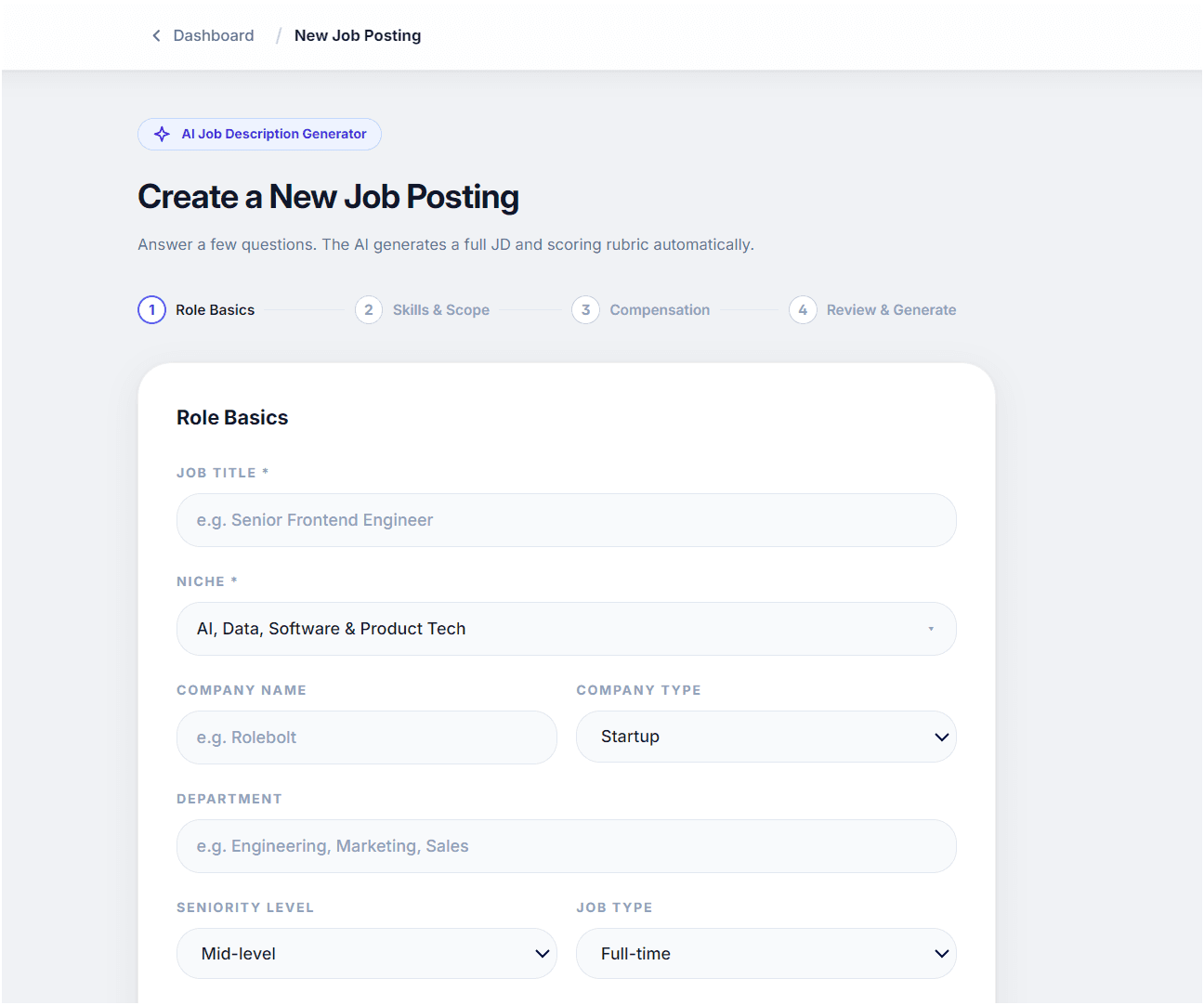
The product preview shows the actual recruiting surfaces, including the AI job posting generator and candidate pipeline. Use it to decide whether the workflow matches your team before creating an account.
Practical example
Example: a small team hiring a customer success manager
Instead of ranking applicants against a vague “great communicator” requirement, define observable signals before review starts:
- ✓Three examples of customer-facing problem solving.
- ✓Experience with the team’s support or CRM workflow.
- ✓A short written scenario scored against the same rubric for every applicant.
Frequently asked questions
Does AI recruiting software replace recruiters?
No. It can reduce repetitive review and coordination work, but people should define criteria, review evidence, communicate with candidates, and make the final decision.
What is the most important AI recruiting feature?
For many teams, the most useful starting point is explainable candidate review tied to a role-specific rubric, because it makes comparisons more consistent without hiding the evidence.
Is Rolebolt an applicant tracking system?
Rolebolt includes applicant tracking, candidate pipelines, resume review, assessments, analytics, and collaboration alongside AI-assisted recruiting workflows.
Next step
Explore Rolebolt for recruiters
See the recruiting workflow and product screens before you start.
Explore Rolebolt for recruiters